

Add products by adding codes
Add a CSV file
Enter the product codes that you want to add to the basket in bulk (after a comma, with a space or from a new line).
Repeating the code many times will add this item as many times as it appears.
AABCOOLING Spatium
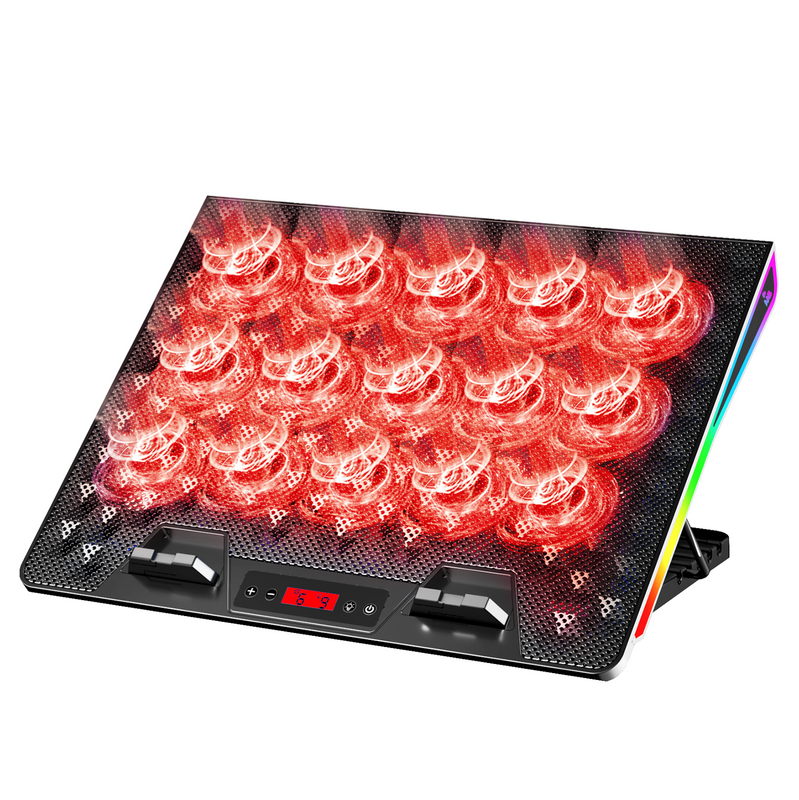
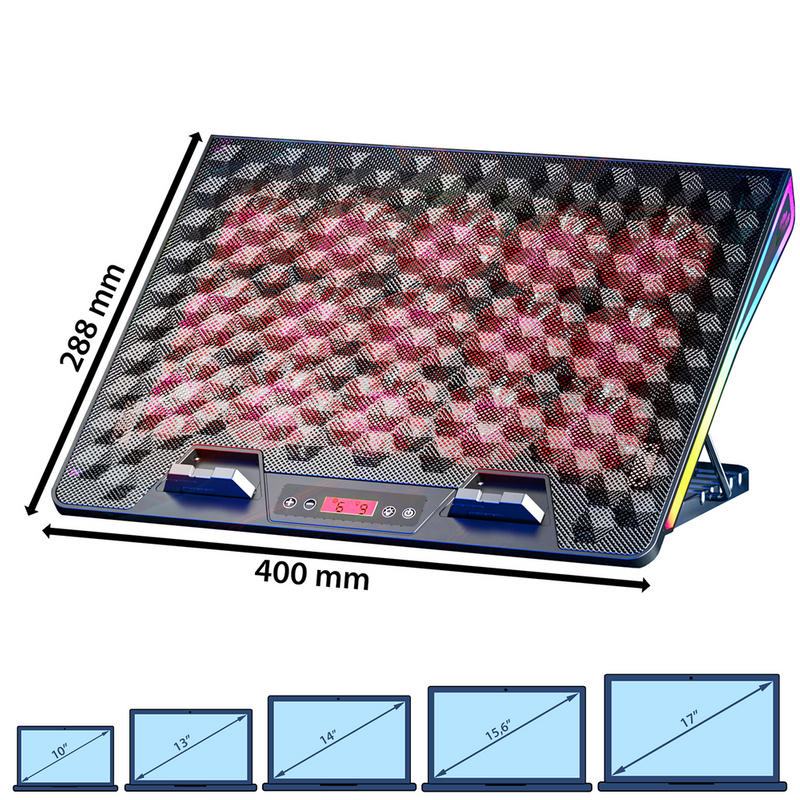
- AABCOOLING Spatium gaming laptop cooling pad with 15 × 60 mm fans, RGB lighting, speed and fan-count control and 5 tilt levels. For 9"–17" laptops.
Gaming laptop cooling pad with 15 fans and RGB
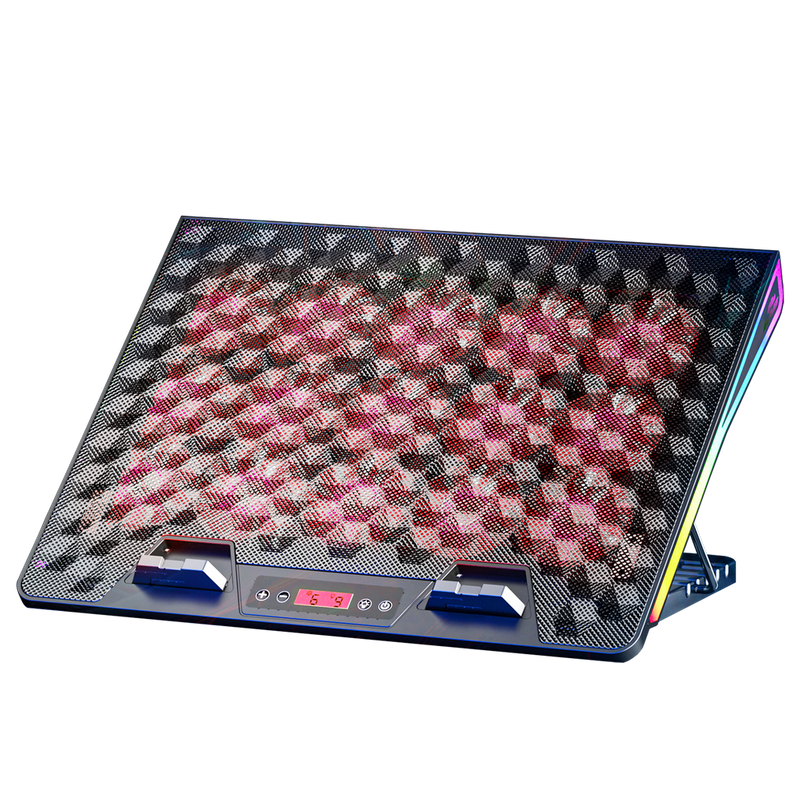
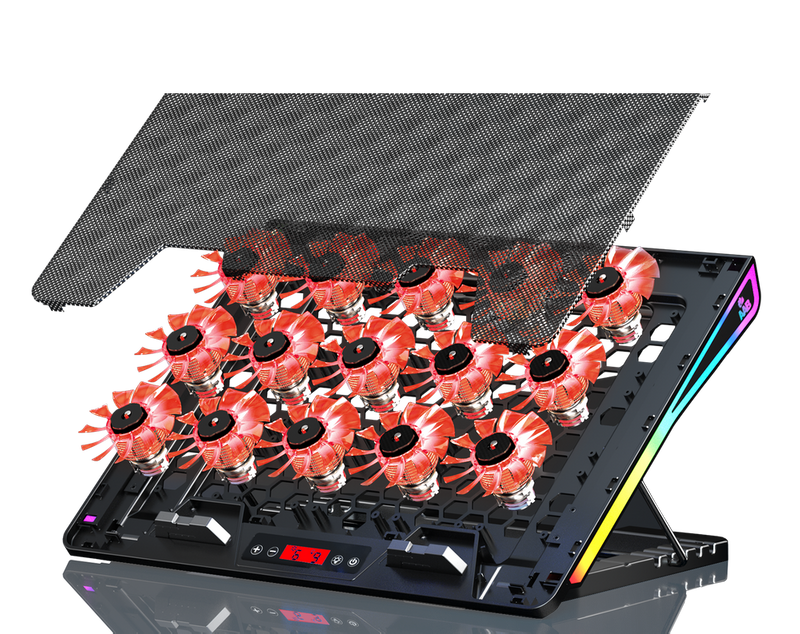
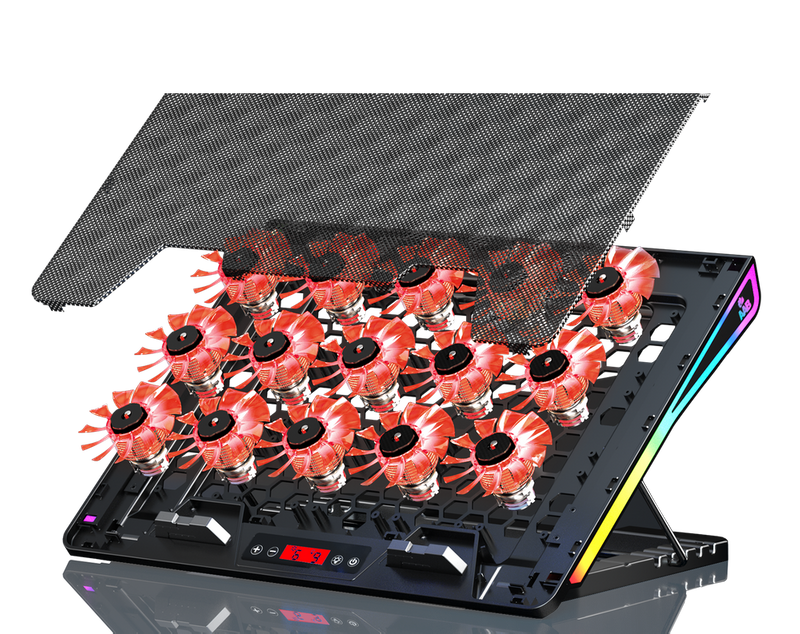
AABCOOLING Spatium is a laptop cooling pad for demanding gamers. Fifteen 60 mm fans draw in cool air from below and direct it to the hot underside of the laptop. As a result, the laptop runs more stably and its own fan does not have to spin up as much.
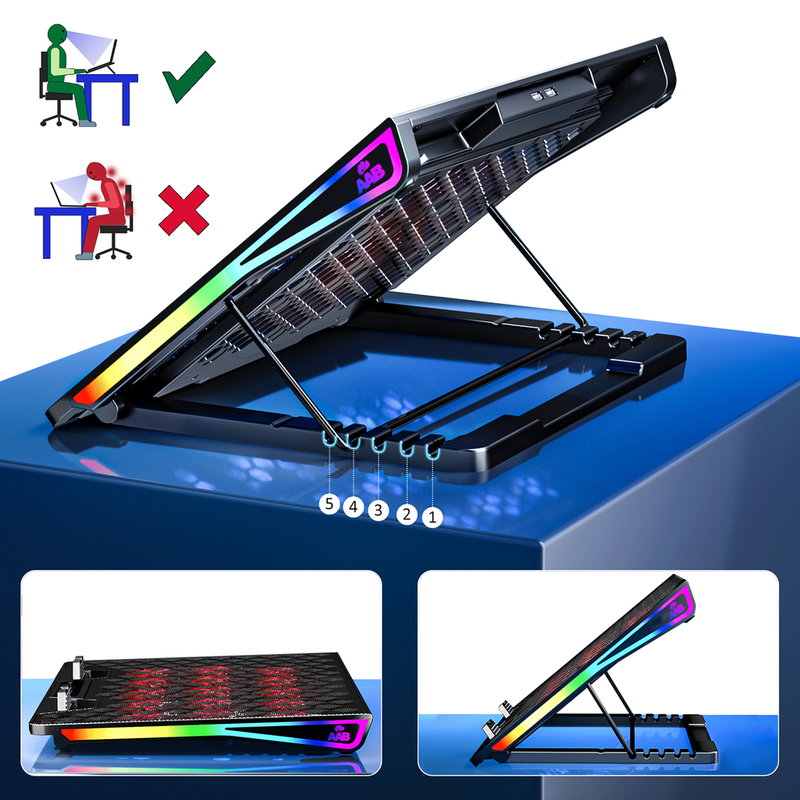
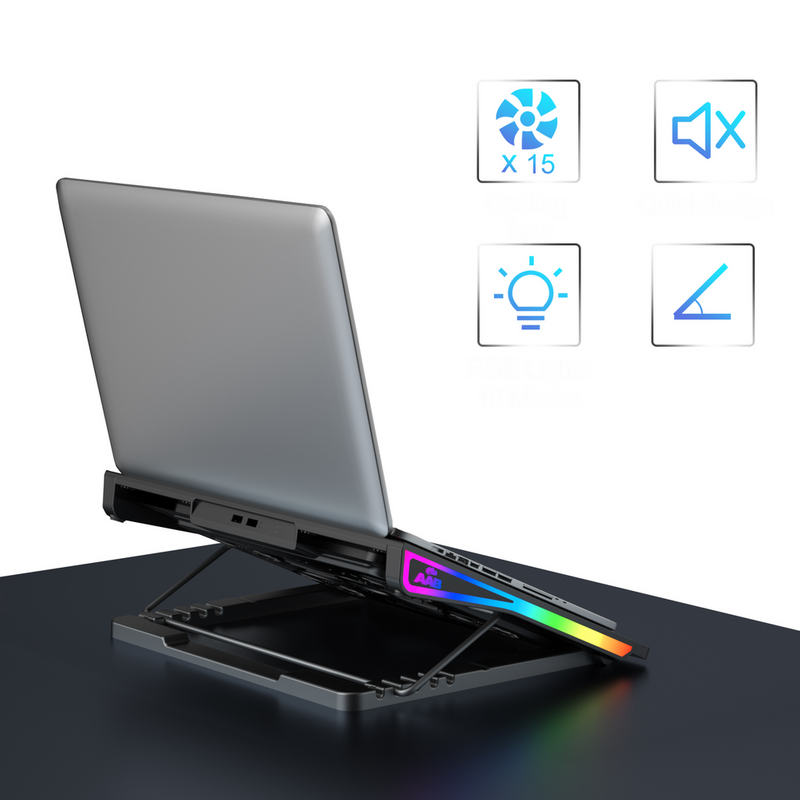
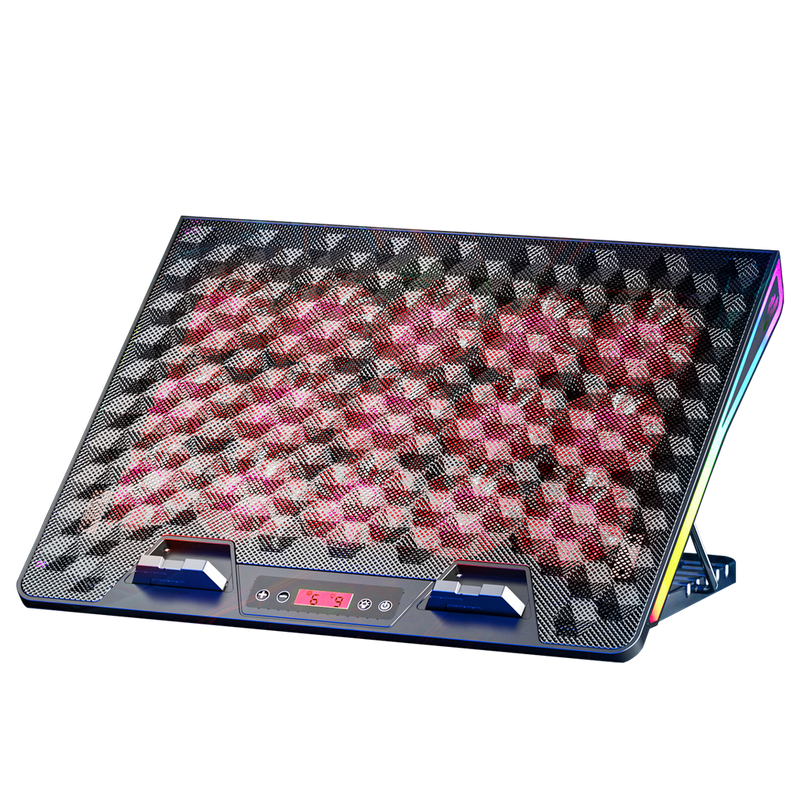
The pad features side RGB lighting, control of the speed and the number of running fans, five-step tilt adjustment and a braided USB power cable.

Key features
- 15 fans, 60 mm
- Airflow up to 130 CFM
- Hydraulic bearings, noise level 18–25 dB(A)
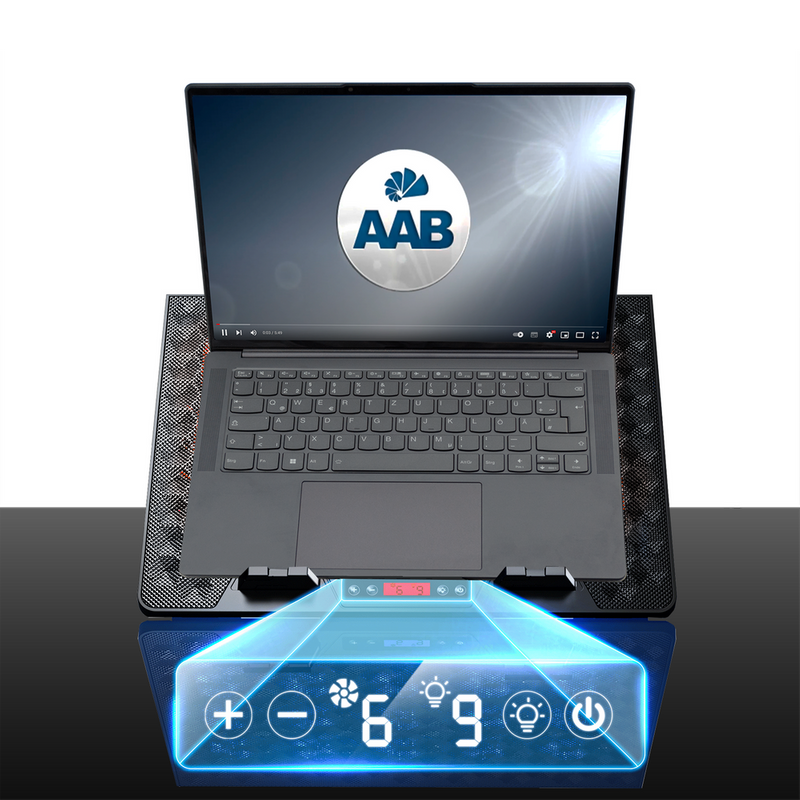
- Front control panel: POWER button and speed control with the “+” and “–” buttons
- Selectable number of running fans
- Side RGB lighting with a separate button
- Five-step tilt adjustment
- Two fold-out front stoppers that keep the laptop from sliding off
- Metal mesh that traps dust before it reaches the laptop
- Flexible feet that dampen vibrations and protect the desk from scratches
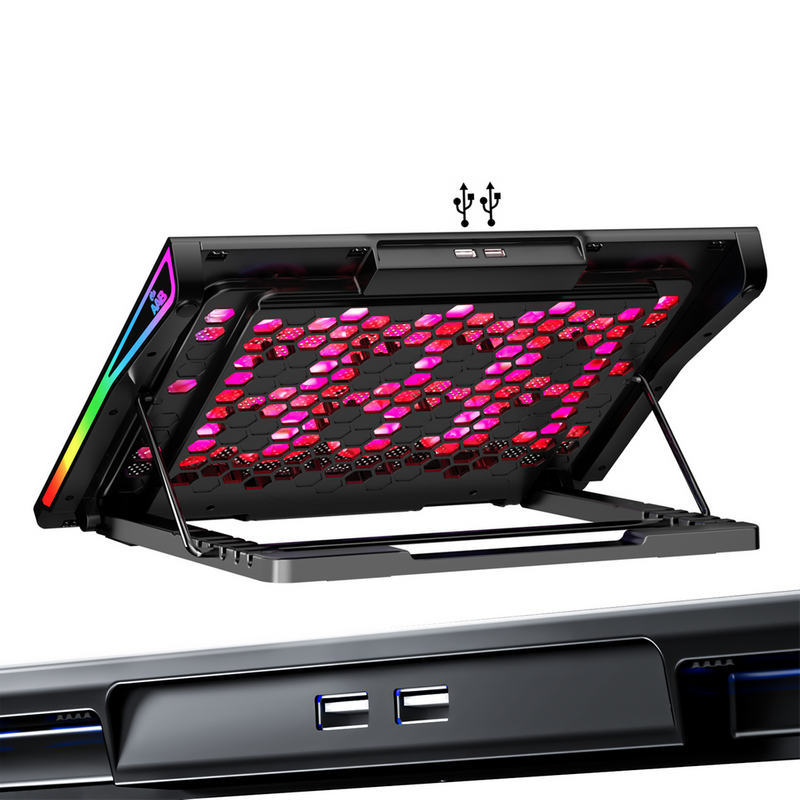
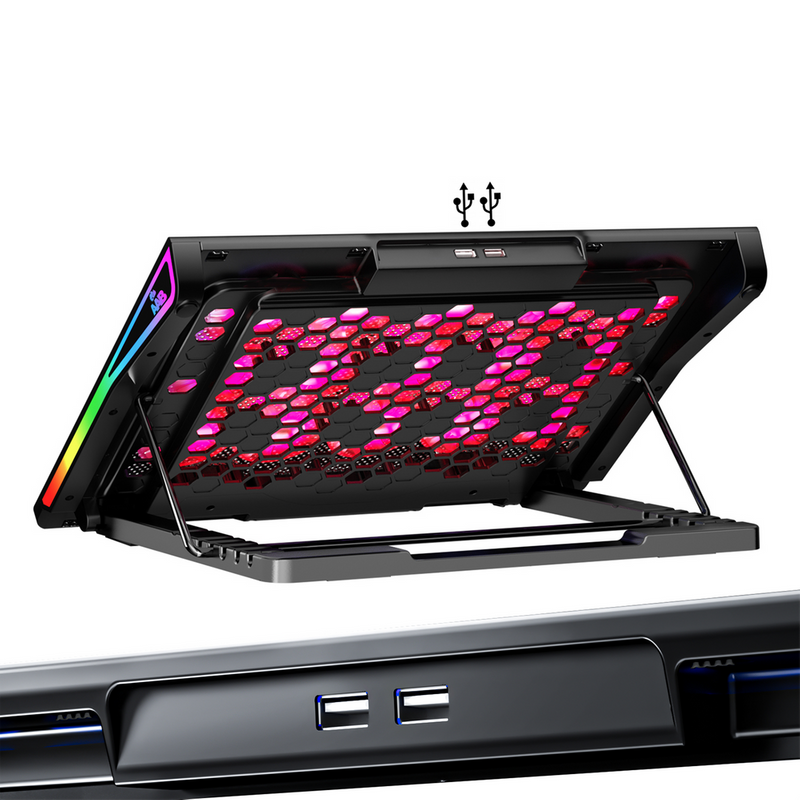
- Additional USB port – connecting the pad does not use up a port on your laptop


Use and compatibility
The pad fits laptops with a screen size of 9"–17". It is suitable for the desk, travel and university, and thanks to its contoured underside it can also be used with the laptop on your lap.
When gaming or under heavy load, set the maximum speed, while the tilt adjustment lets you match the screen height and keyboard angle to your posture.

Setup and operation
- Place the pad on a flat surface, set the tilt angle and fold out the front stoppers.
- Put the laptop on the pad.
- Connect the USB cable to a USB port on the laptop or to a 5 V USB mains adapter – no drivers are required.
- Press the red POWER button to start the fans and set the speed with the “+” and “–” buttons. Holding the POWER button for 3 seconds changes the number of running fans.
- The button with the light bulb icon controls the RGB lighting; holding it for 3 seconds switches the side lighting on or off.
- Dust collected on the mesh can be removed with compressed air, e.g. AABCOOLING Gas Duster.

Technical data
- Model code: NCO101
- Dimensions: 400 × 288 × 36 mm
- Height in the individual tilt positions: 36 / 107 / 145 / 170 / 187 mm
- Material: ABS + metal mesh
- Weight: 1380 g
- Fans: 15 × 60 × 60 × 15 mm
- Fan speed: 2600–3000 rpm ±10%
- Airflow: 130 CFM
- Noise level: 18–25 dB(A)
- Bearings: hydraulic
- Fan lifetime: 20,000 h
- Power supply: 5 V DC from a USB 3.0/2.0/1.1 port or USB mains adapter
- Power consumption: 1.45 A / 6.75 W ±10%
- Port: USB 2.0 (up to 480 Mb/s), Plug and Play
- Tilt adjustment: 5 positions
- Front stoppers: 2 × 60 × 18 mm
- Lighting: side RGB, switched on and off with a button
- Cable: braided USB, 60 cm
Package contents
- 1 × AABCOOLING Spatium laptop cooling pad
- 1 × braided USB power cable
Brand
Symbol
5907678910431
Producer code
5907678910431
Warranty
Overall dimensions
400 x 288 x 36 mm
Liftime
20000 h
Additional features
Manual fan speed controller
Side RGB backlight - On/Off control button
Can be used on your lap
Noise level
18 ~ 25 dB(A)
Fan speed
2600-3000 RPM +/- 10%
Fan quantity
15
Cable
USB in braided cable
Material
Plastic + Metal Grid
Power consumption
5V DC / 1,45A / 6,75W +/- 10%
Adjustment of inclination
5-step tilt adjustment
Size of two front blocks (bookends)
60 x 18 mm
Dimensions in each position
400 x 288 x 36~107~145~170~187 mm
Fans dimension
60x60x15 mm
Airflow
130 CFM
Voltage
USB 3.0 / 2.0 / 1.1 / 1.0, 5V DC or USB-AC adapter
Bearings
Hydraulic
USB cable length
60 cm [eng]
Plug & Play Version
just plug it to make it work
Data Transmission
USB 2.0 up to 480 Mb/s
Weight
1380g
Product symbol
NCO101
24 months warranty
24 months warranty