

Add products by adding codes
AABCOOLING NC77
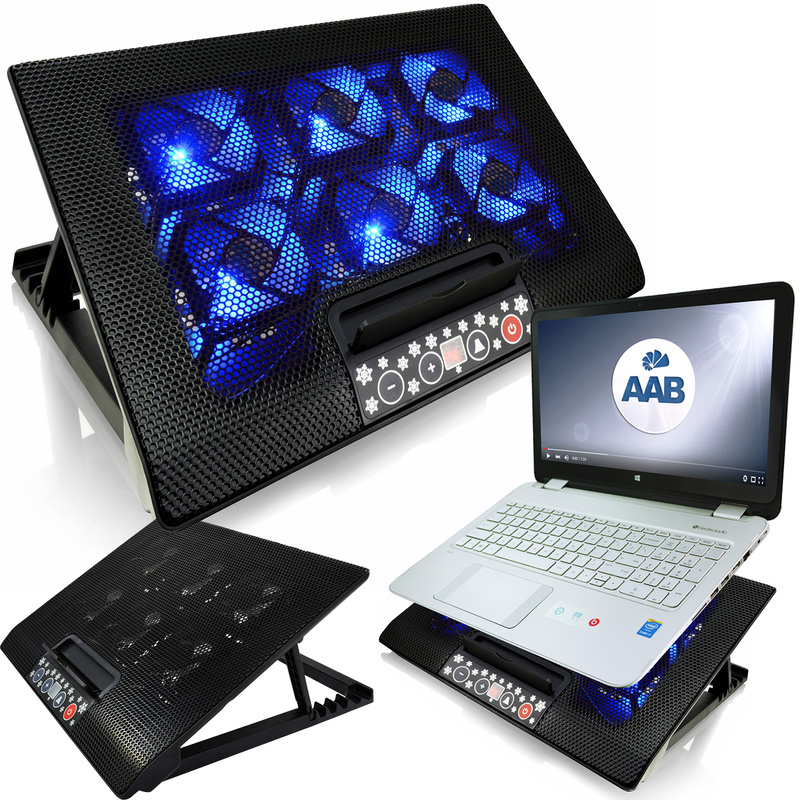
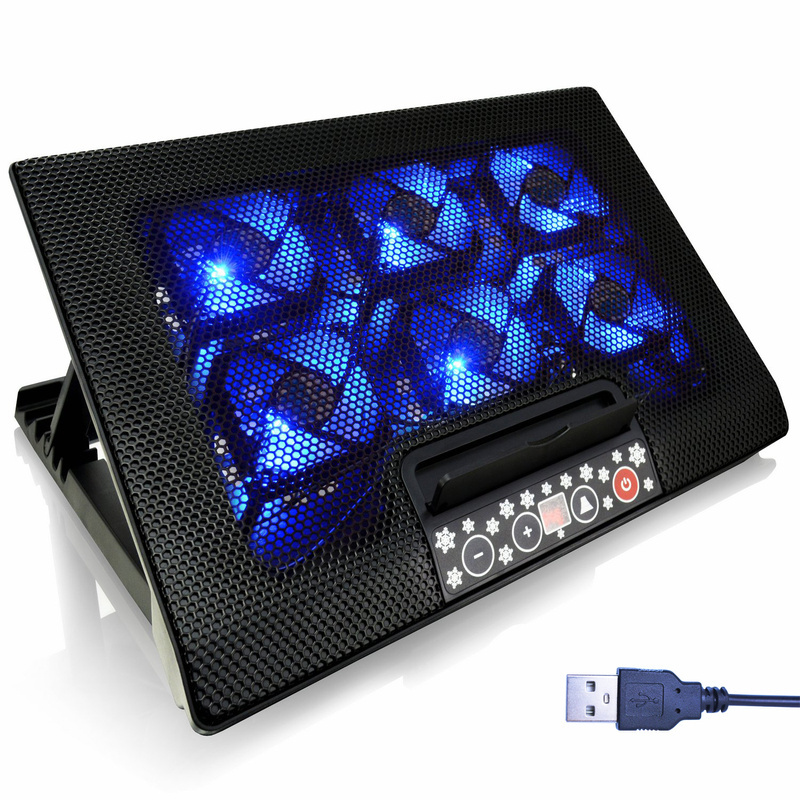
- AABCOOLING NC77 laptop cooling pad: 6 × 70 mm fans with blue LED, quiet operation from 11 dB(A), control panel with P1–P4 and F1–F3 modes, 6-level tilt adjustment. For laptops 10"–18.4".
AABCOOLING NC77 – laptop cooling pad
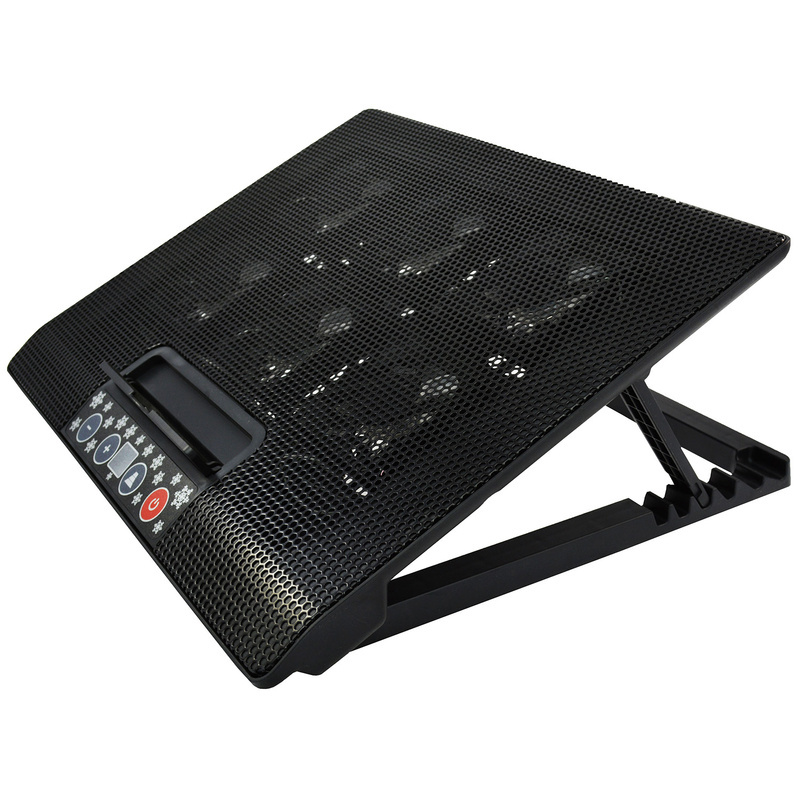
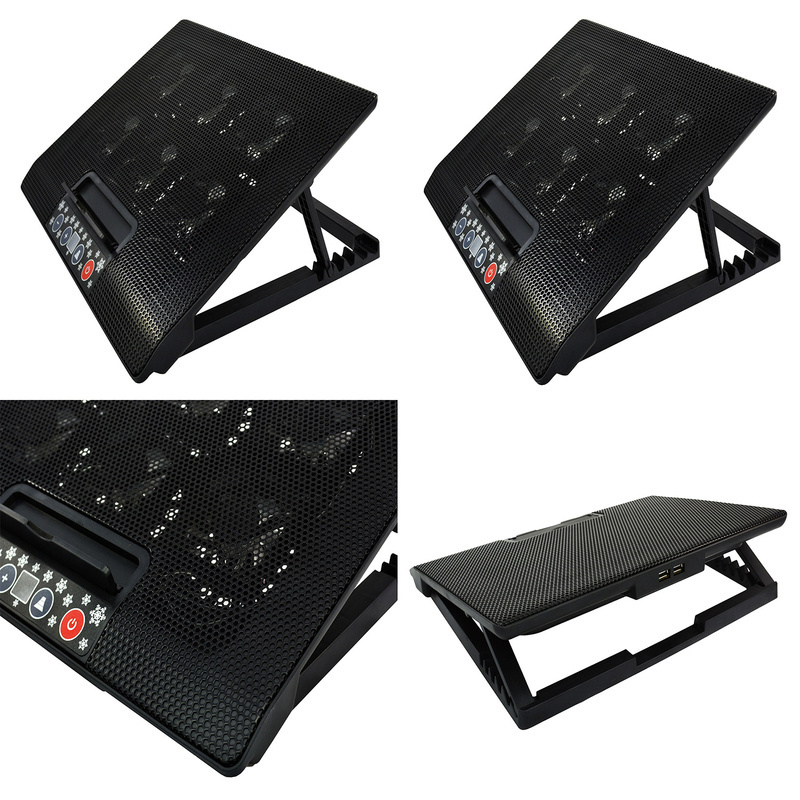
AABCOOLING NC77 is a quiet laptop cooling pad with 6 × 70 mm fans and blue LED lighting. The fans draw cool air from beneath the pad and direct it onto the underside of the laptop, lowering the temperature of the casing and the processor. Thanks to hydraulic bearings, the pad runs quietly – from 11 dB(A).
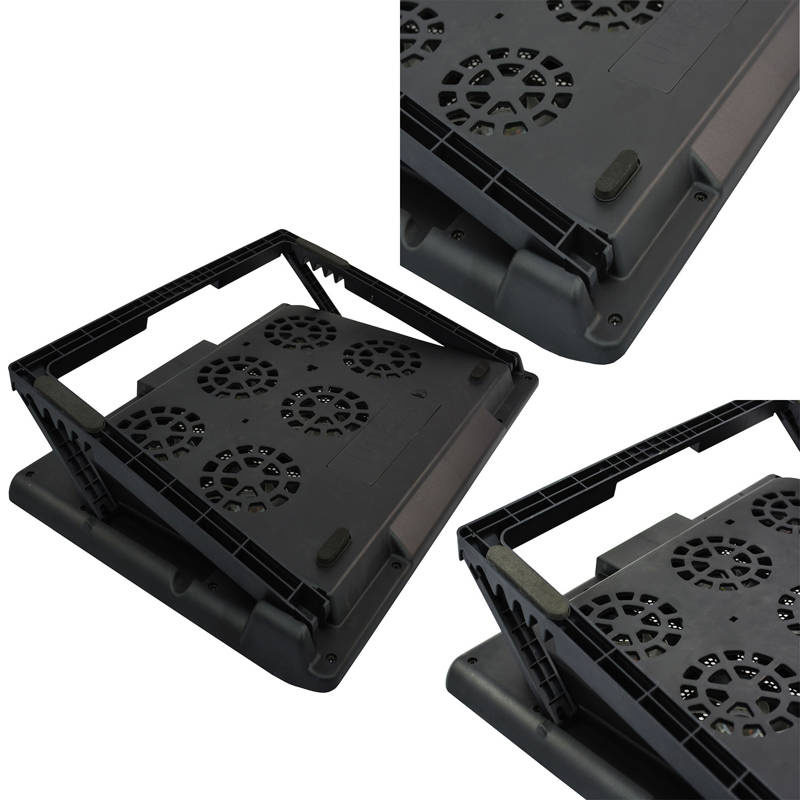
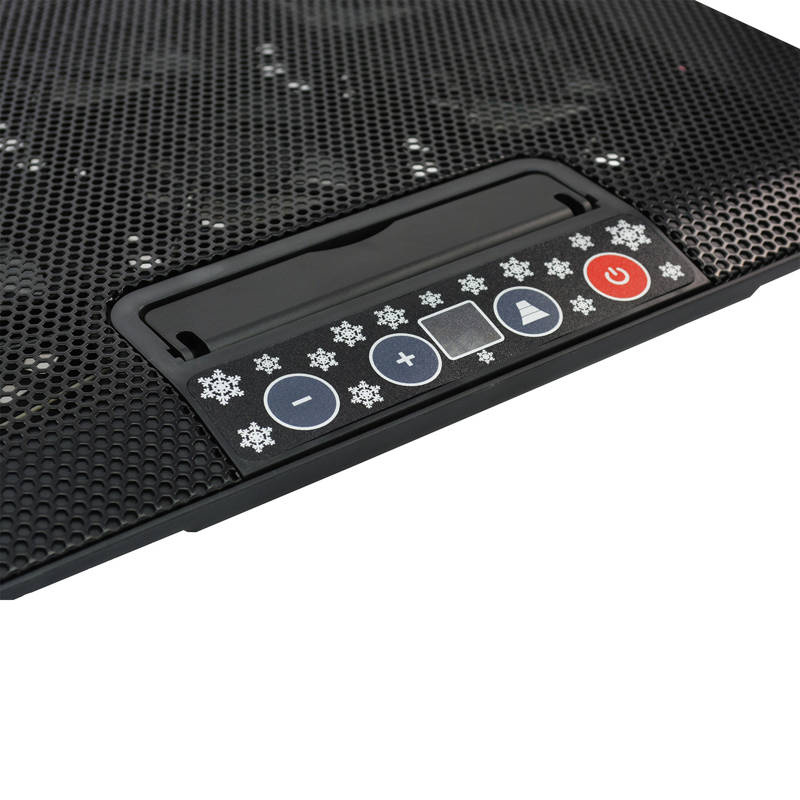
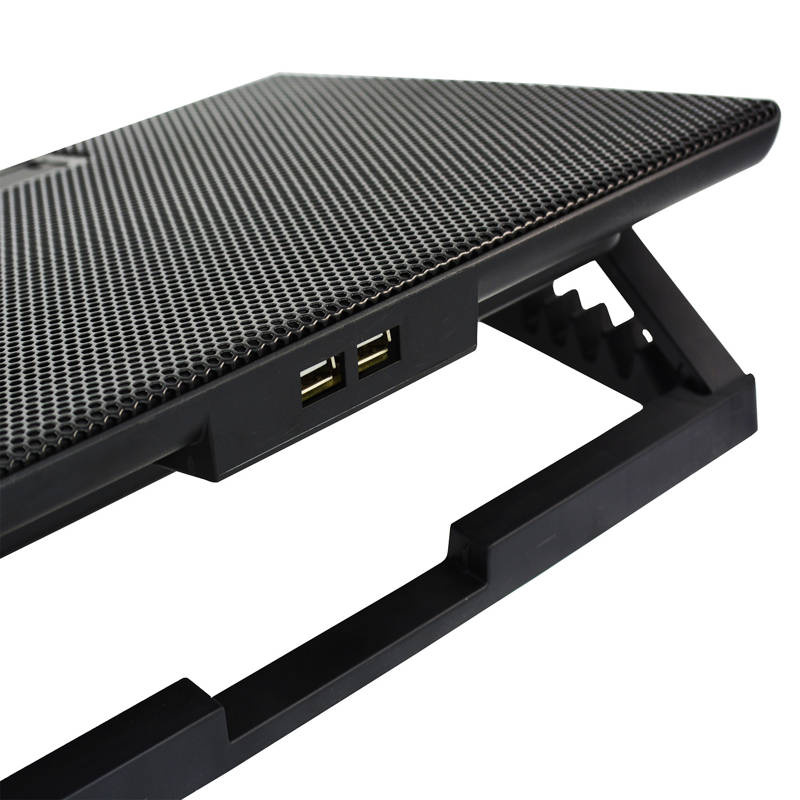
It is a sturdy pad for large laptops – its weight of 940 g ensures stability. At the lowest speed it is practically inaudible (Super Silent mode). The electronic control panel offers 4 speed modes (P1–P4) and 3 fan modes: F1 – the two inner fans, F2 – the four outer fans, F3 – all fans. The rear support offers 6-level tilt adjustment, so you can easily set a comfortable angle. Front stoppers keep the laptop from sliding off when the pad is tilted. It also has 2 USB 2.0 ports.

Key features
- Fans: 6 × 70 mm, blue LED lighting
- Quiet operation from 11 dB(A), hydraulic bearings
- Super Silent mode at the lowest speed
- Electronic panel: 4 speed modes (P1–P4), 3 fan modes (F1–F3), ON/OFF button
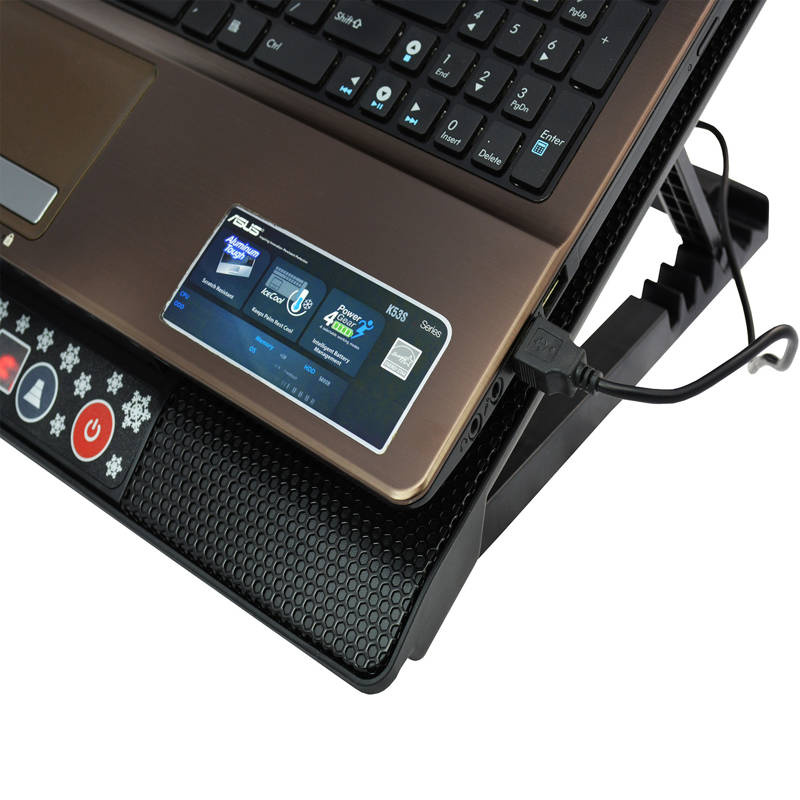
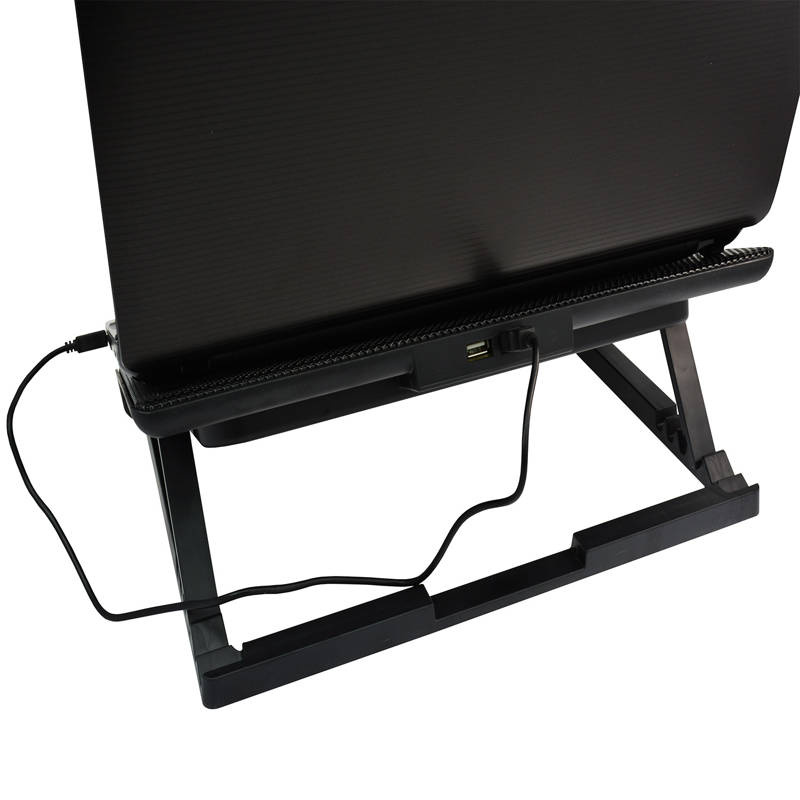
- 2 USB 2.0 ports
- Perforated aluminium mesh
- 6-level tilt adjustment
- Stoppers prevent the laptop from sliding off
- USB cable storage compartment
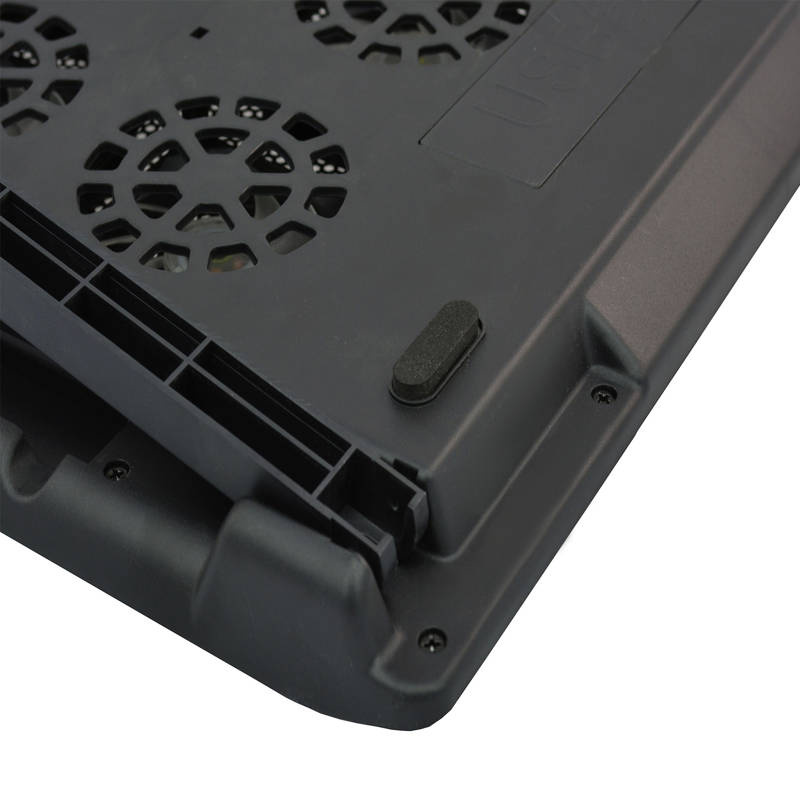
- Anti-vibration feet – dampen vibrations and do not scratch the desk
- Plug and Play – USB powered, no drivers required
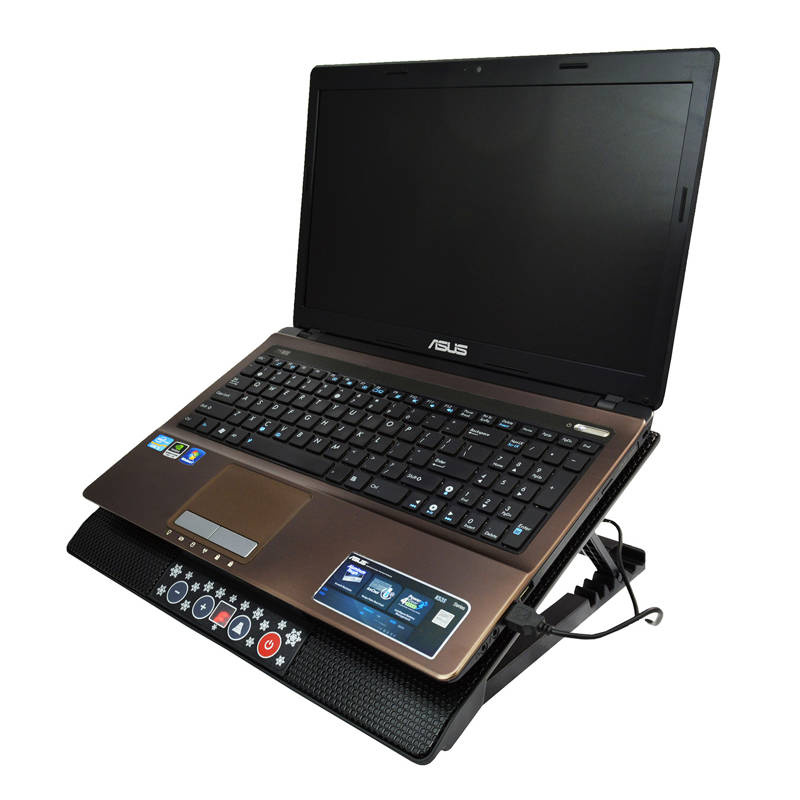
Effective laptop cooling
The fans direct cool air from beneath the pad onto the entire laptop casing. A lower casing and processor temperature protects the laptop from overheating and performance drops, and the profiled pad makes working at a desk more comfortable.
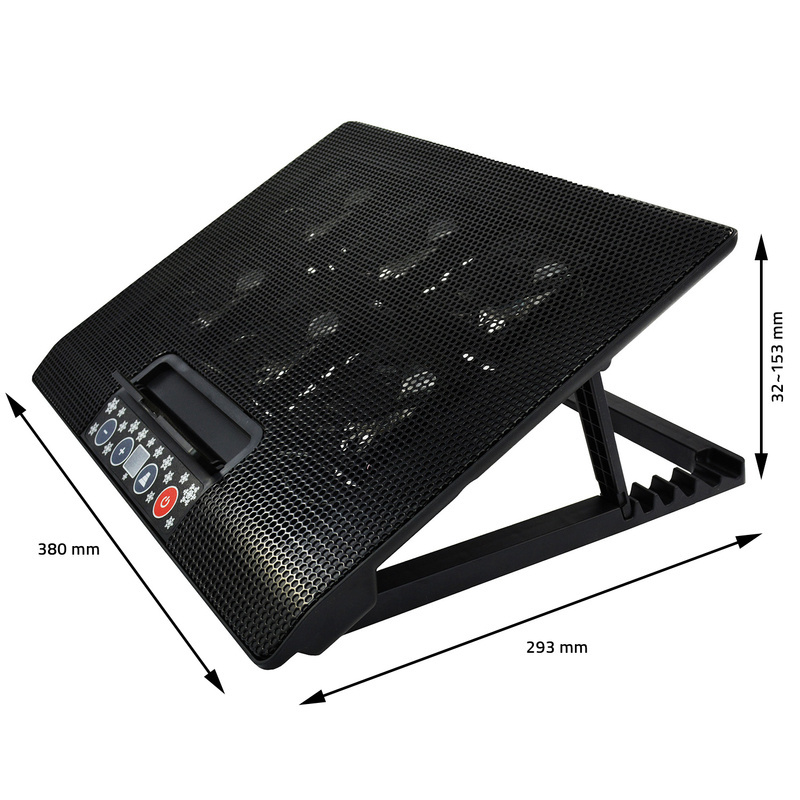
Compatibility
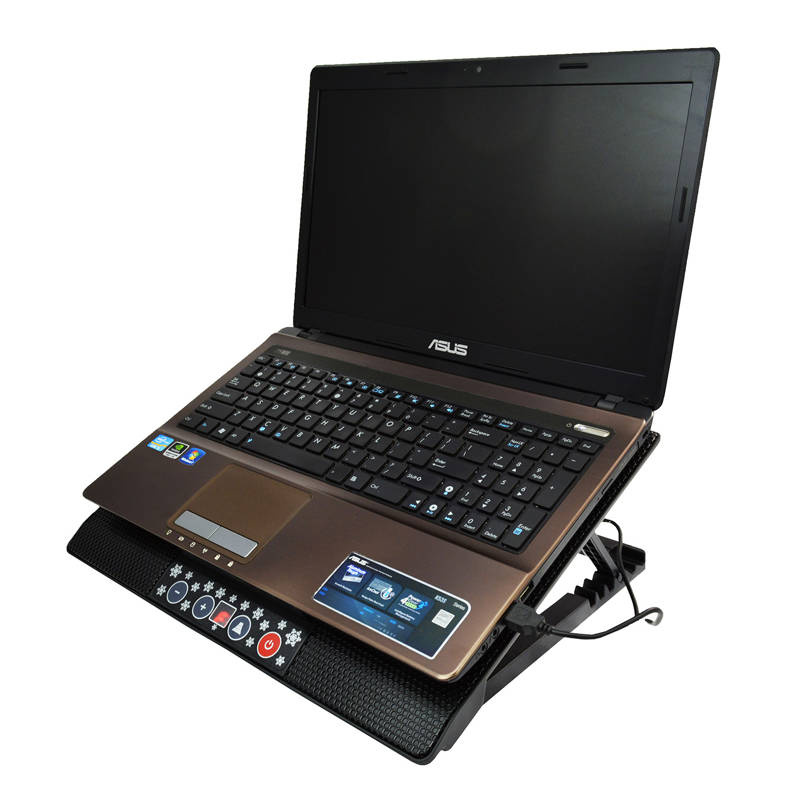
Recommended for laptops with a screen size from 10" to 18.4". The laptop size may differ by a few centimetres – what matters most is that the fans sit under the hottest areas of the casing. Please check the dimensions of the pad in the specifications before buying.

Setup and use
- Place the pad on a flat, stable surface such as a desk or table.
- Set the rear support to the desired height to get a comfortable tilt angle.
- Place the laptop on the pad – the front stoppers keep it from sliding off.
- Connect the USB cable to a USB port on the laptop or to a USB power adapter – the pad works straight away, no drivers needed.
- Switch on the pad with the ON/OFF button on the panel, then select the speed (P1–P4) and the fan mode (F1–F3).

Specifications
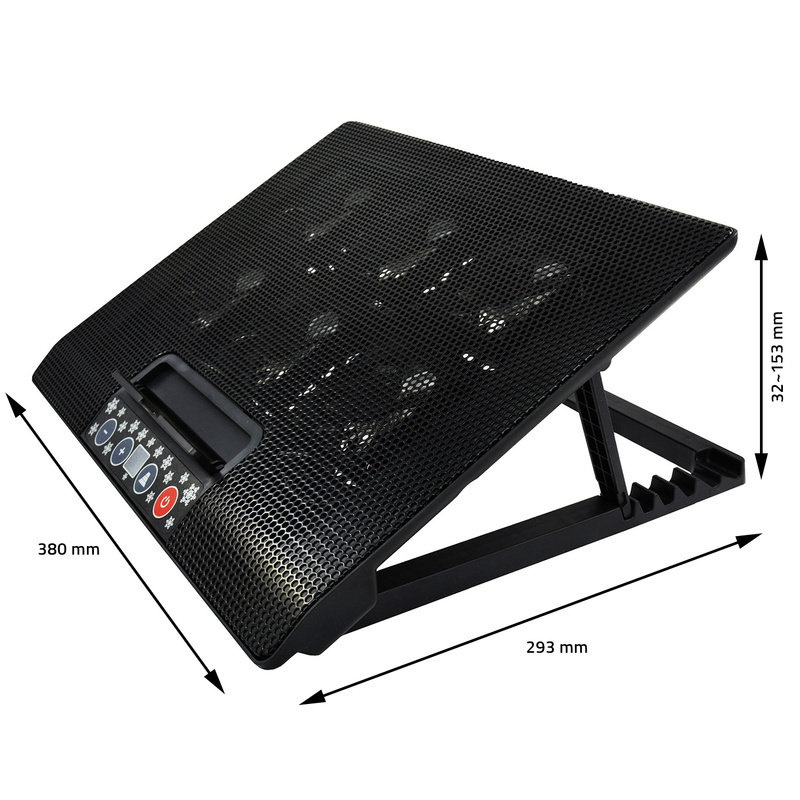
- Dimensions: 380 × 293 × 32 mm
- Height (tilt adjustment): 32–153 mm
- Material: ABS + aluminium mesh
- Weight: 940 g
- Fans: 6 × 70 × 70 × 15 mm
- Lighting: blue LED
- Fan speed: 0–1200 RPM ±10%
- Airflow: 125 CFM
- Noise level: min. 11 dB(A)
- Bearings: hydraulic
- Power supply: 5 V DC from a USB 3.0/2.0/1.1 port or a USB power adapter
- Power consumption: 4–5 V DC / 0.16–0.89 A / 0.64–4.4 W
- USB ports: 2 × USB 2.0 (480 Mbit/s)
- Front stoppers: 129.5 × 16.5 mm
- USB cable length: 60 cm
- Service life (MTBF): 20,000 h
- Recommended laptop size: 10"–18.4"

In the box
- 1 × AABCOOLING NC77
- 1 × USB cable
- 1 × packaging


