
Safe shopping
Idosell security badge

Add products by adding codes
Add a CSV file
Enter the product codes that you want to add to the basket in bulk (after a comma, with a space or from a new line). Repeating the code many times will add this item as many times as it appears.
AABCOOLING NC65
AABCOOLING NC65
AABCOOLING NC65
AABCOOLING NC65
AABCOOLING NC65
AABCOOLING NC65
AABCOOLING NC65
AABCOOLING NC65
AABCOOLING NC65
AABCOOLING NC65
AABCOOLING NC65
AABCOOLING NC65
AABCOOLING NC65

AABCOOLING NC65

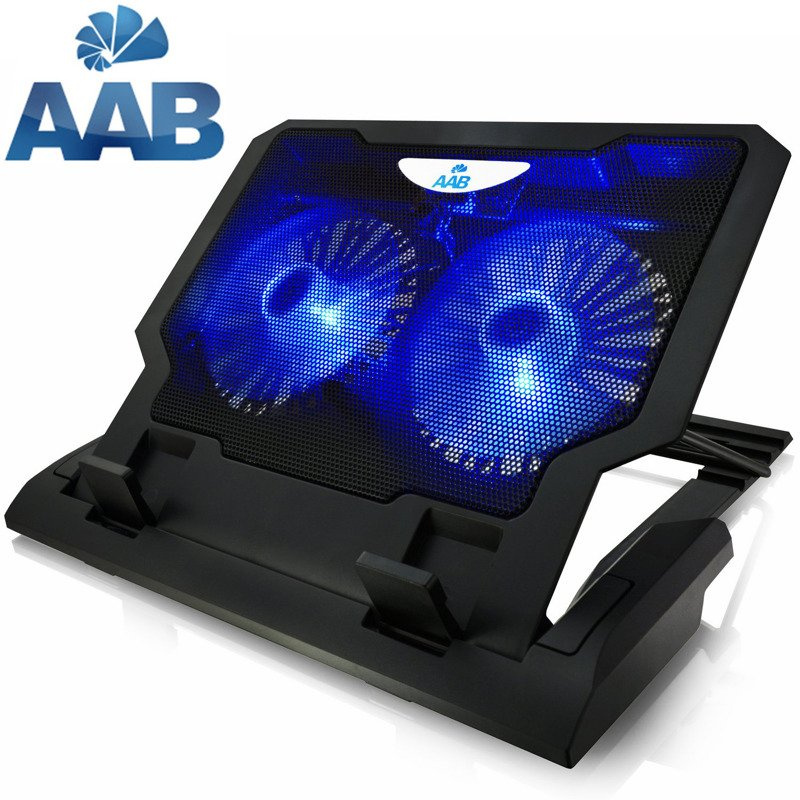
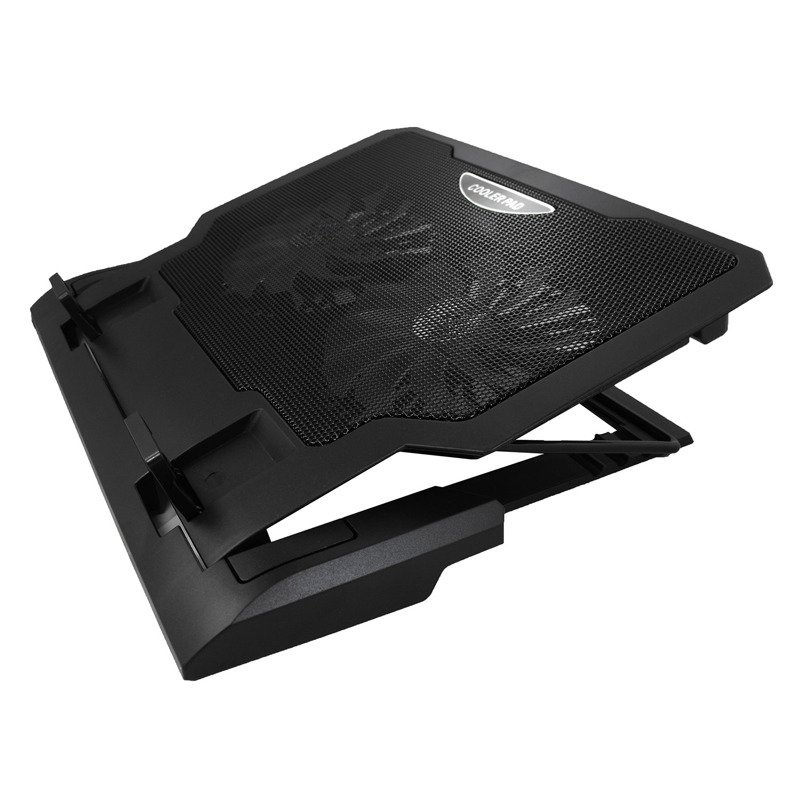
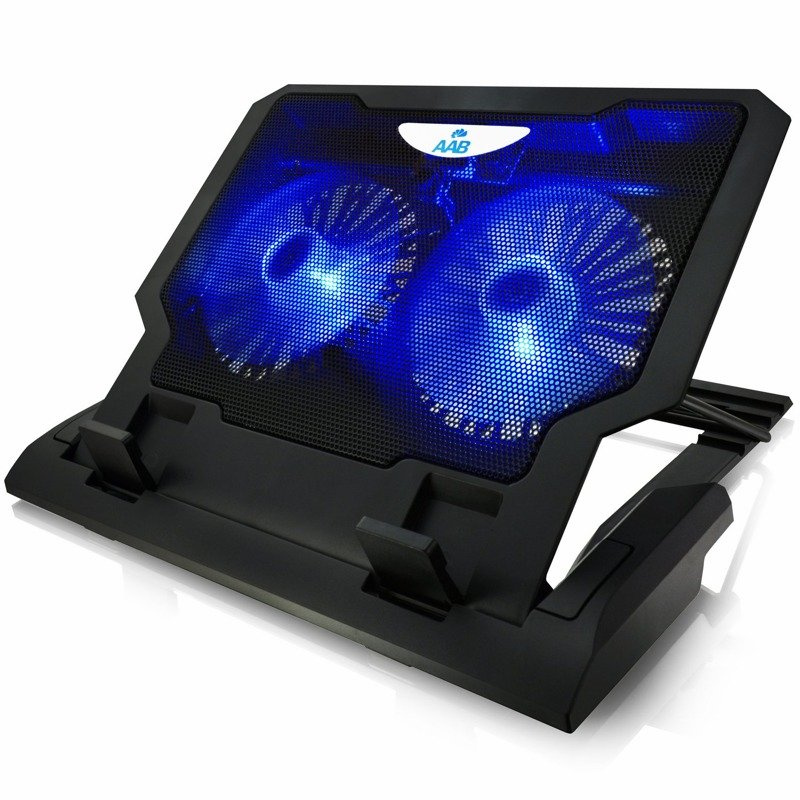
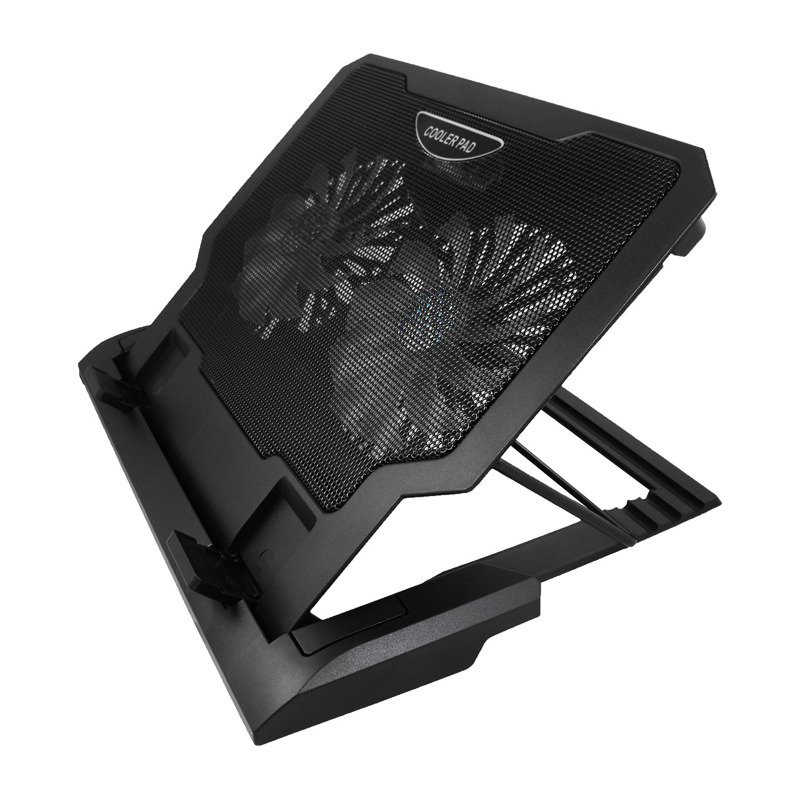
  • AABCOOLING NC65 laptop cooling pad with two large LED fans (115 CFM, from 17 dB(A)). Four-step tilt adjustment, anti-slip stoppers, 2 USB ports, on/off switch. For 12–17.4".

Laptop cooling pad with two large fans

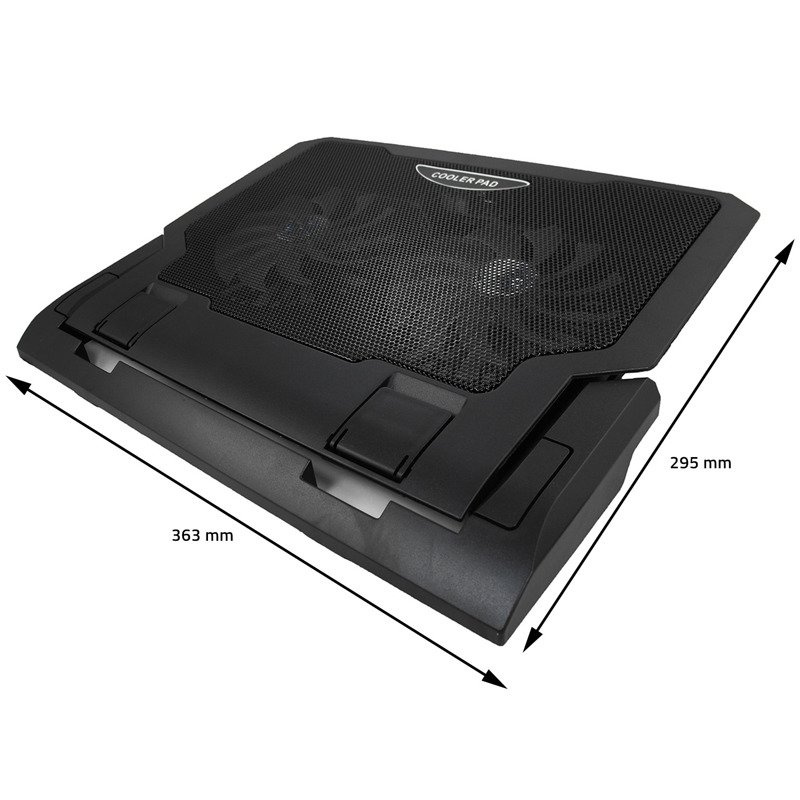
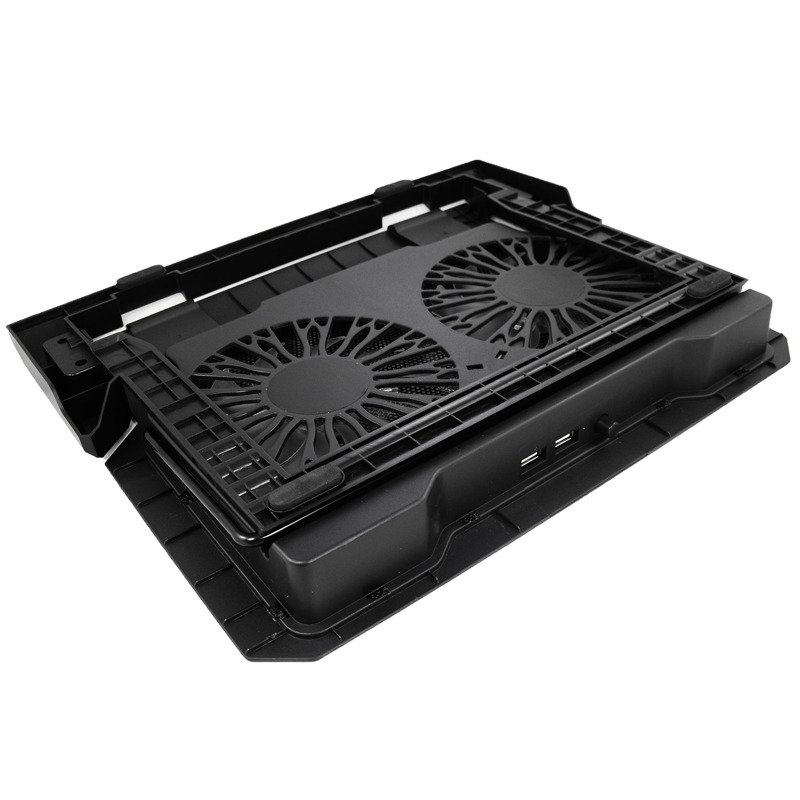
AABCOOLING NC65 is a black laptop cooling pad with two large, efficient 11-blade fans with blue illumination. It is well suited to medium-sized notebooks that need efficient cooling.

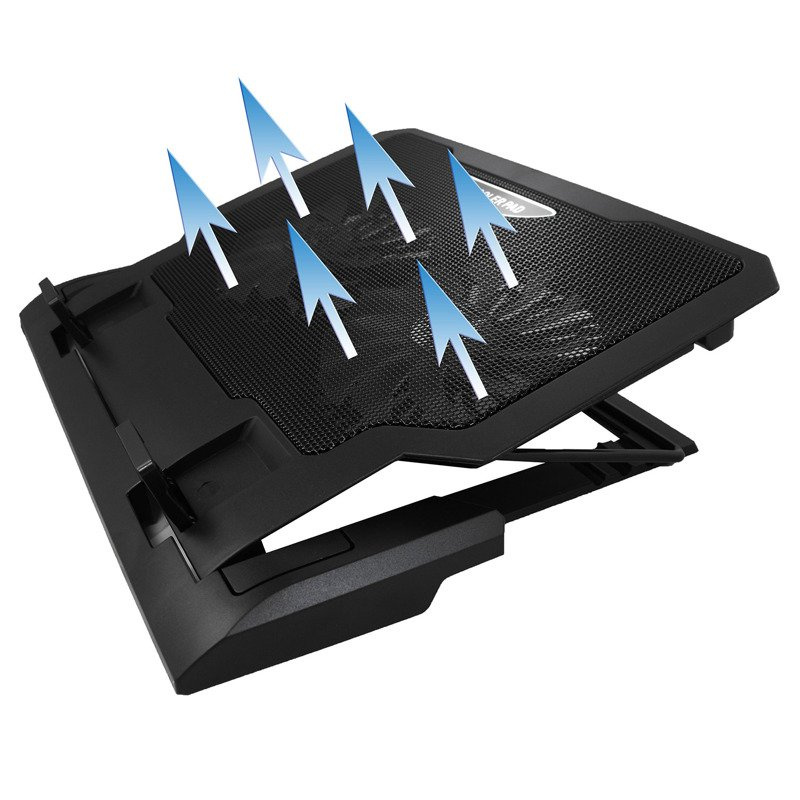
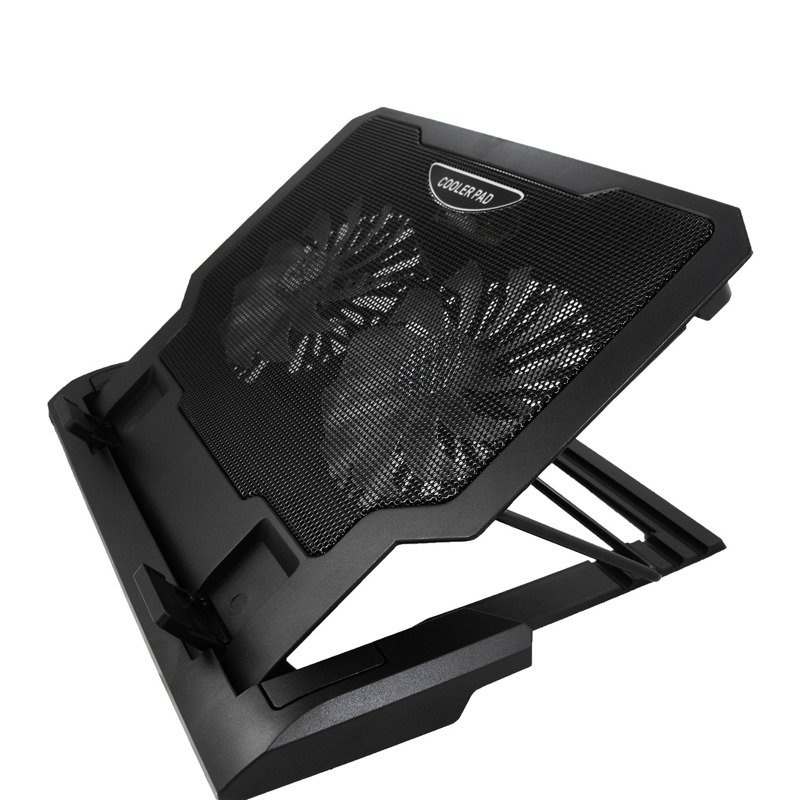
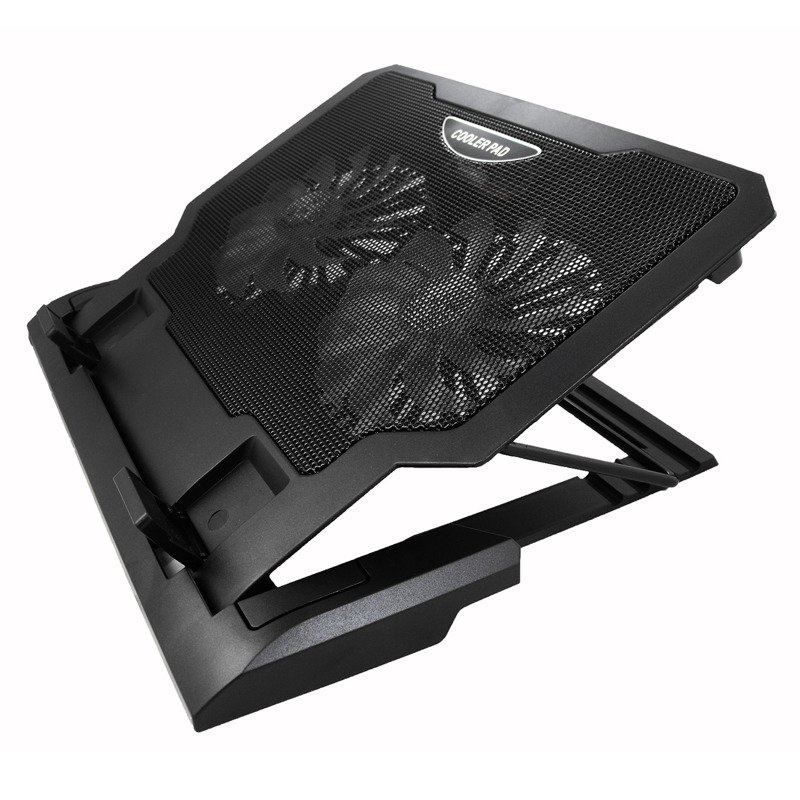
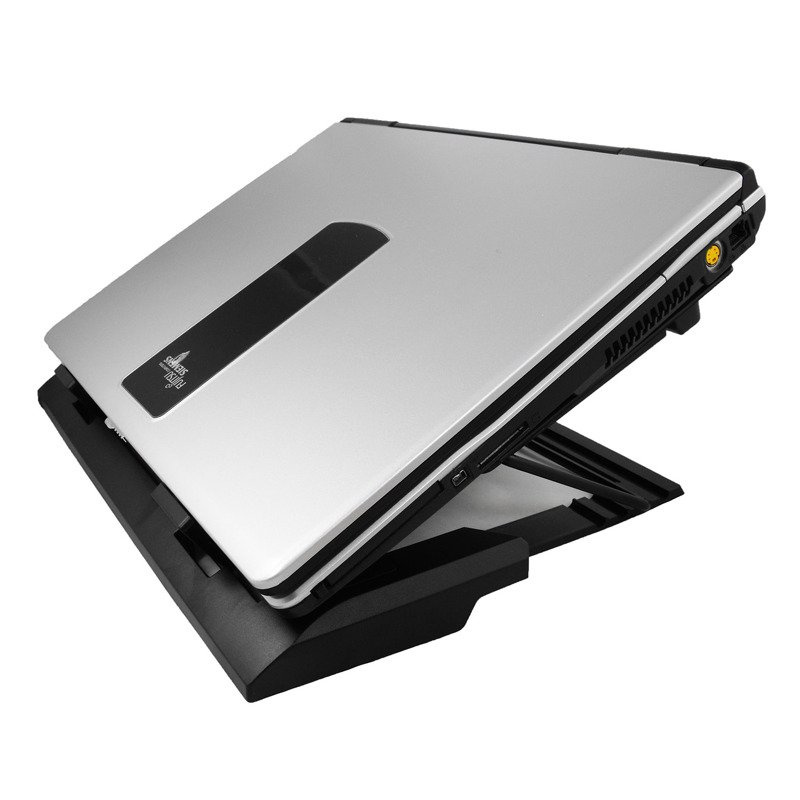
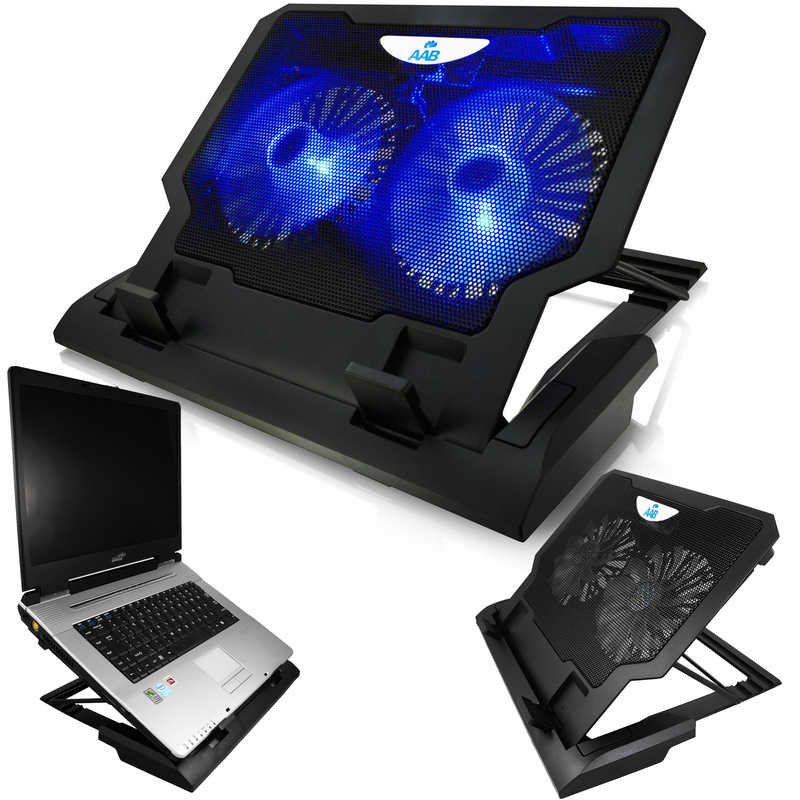
The four-step tilt adjustment lets you adapt the position to your needs and improves working ergonomics. An additional USB port on the rear panel solves the problem of missing ports on the laptop. The fans draw cool air from beneath the pad and direct it to the underside of the laptop, lowering the temperature of the casing and the processor.

Black AABCOOLING NC65 laptop cooling pad

Key features

  • Two efficient blue-illuminated fans
  • Four-step tilt angle adjustment
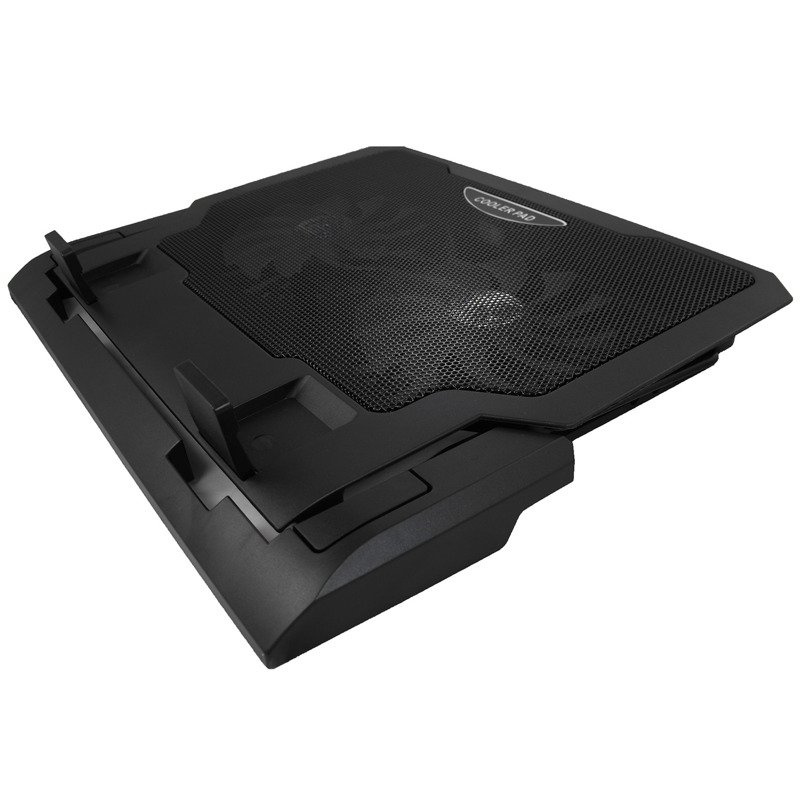
  • Stoppers that keep the laptop from sliding off when tilted
  • 2 USB 2.0 ports and built-in on/off switch
  • Anti-vibration pads on the underside absorb resonance and do not scratch the desk
  • Stable design with a sturdy plastic base
AABCOOLING NC65 laptop stand with two fans

Use and compatibility

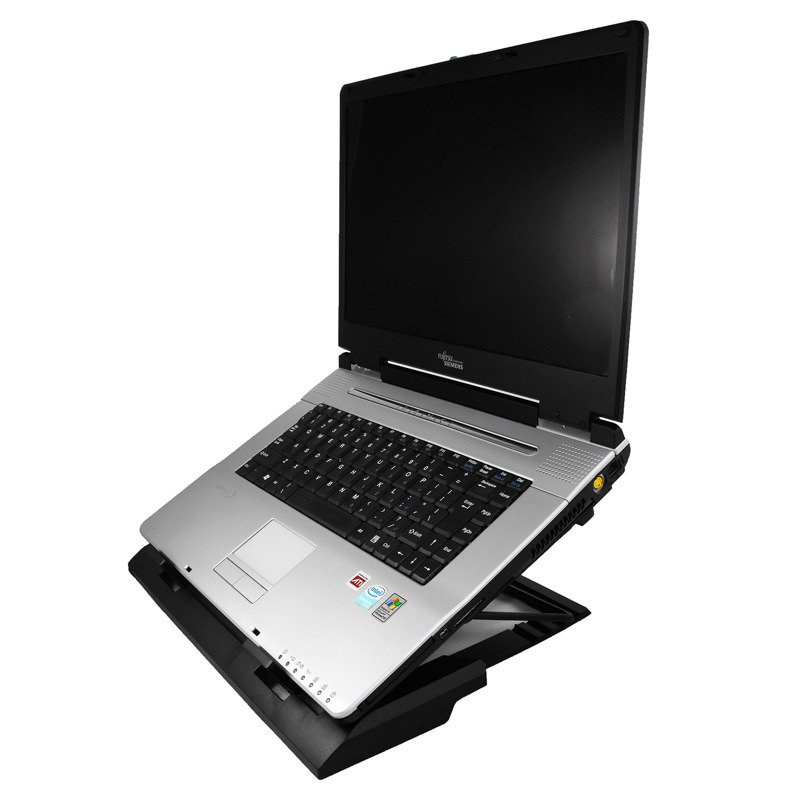
The pad is designed for notebooks with a screen size from 12" to 17.4". Before buying, please compare the dimensions of the pad with those of your laptop.

AABCOOLING NC65 – cooling pad with adjustable tilt angle

Connection and use

The pad is Plug and Play and requires no drivers. Connect it with the USB cable to your laptop or to a USB mains adapter and switch the fans on with the on/off switch.

Quiet AABCOOLING NC65 cooling pad with USB ports

Technical data

  • Dimensions: 363 × 295 × 40 mm
  • Weight: 725 g
  • Material: ABS + aluminium mesh
  • Fans: 2 × 120 × 120 × 15 mm, blue illuminated
  • Speed: 1200 rpm ±10%
  • Airflow: 115 CFM
  • Noise level: min. 17 dB(A)
  • Bearings: hydraulic
  • Service life: 20 000 h
  • Power supply: 5 V DC from a USB 3.0/2.0/1.1 port or a USB mains adapter
  • Power consumption: 3.5–5 V DC; 0.5–0.8 A; 1.75–4 W
  • USB ports: 2 × USB 2.0 (transfer up to 480 Mb/s)
  • Tilt angle adjustment: four-step
  • Front stoppers: 40 × 31 mm
  • USB cable length: 60 cm
AABCOOLING NC65 – cooling pad for 12–17.4 inch notebooks

Package contents

  • 1 × AABCOOLING NC65 cooling pad
  • 1 × USB cable
AABCOOLING NC65 laptop cooler
AABCOOLING NC65 cooling pad – black
AABCOOLING NC65 notebook cooling pad
Symbol
5901812990419
Producer code
5901812990419
Overall dimensions
363 x 295 x 40 mm
Material
Plastic + aluminum Grid
Weight
725 g
Plug & Play Version
just plug it to make it work
Data Transmission
USB 2.0 up to 480 Mb/s
Voltage
USB 3.0 / 2.0 / 1.1 / 1.0, 5V DC or USB-AC adapter
Power consumption
3,5V~5V DC / 0,5A~0,8A / 1,75W~4W
Fans dimension
120 x 120 x 15mm
Fan quantity
2 x blue LED fan
Fan speed
1200 RPM ± 10%
Airflow
115 CFM
Noise level
17dB(A)
Size of two front blocks (bookends)
40 x 31 mm
Adjustment of inclination
4-step tilt adjustment
USB cable length
60 cm
Bearings
Hydraulic
Liftime
20000 h
24 months warranty
24 months warranty

We use cookies for the proper operation of the site, to offer social features, analyze traffic and conduct marketing activities - both by us and our Trusted Partners. Cookies are also used to personalize ads. See privacy policy for more information. By accepting this message, you consent to their storage on your computer. You can specify the conditions for storing or accessing them by clicking on the "Configure Consents" tab. You can withdraw your consent at any time by deleting cookies from your browser from the respective end device. More information on terms and conditions and privacy can also be found on Google's Privacy and Terms page.

Close
pixel